Publishers
Turn manuscripts, articles, and editorial archives into narrated editions.
Explore workflow →AI audio production, end to end
Transform documents, scripts, recordings, and online content into natural, production-ready audio. One intelligent studio for personal listening and commercial work.
Start with almost anything
Built for business
Create professional narration without coordinating recording rooms, retakes, manual cleanup, and separate mixing tools. DocVoice gives teams one place to prepare, generate, review, and deliver.
Turn manuscripts, articles, and editorial archives into narrated editions.
Explore workflow →Produce accessible training, onboarding, and educational audio at scale.
Explore workflow →Deliver branded narration and commercial audio packages for multiple clients.
Explore workflow →Repurpose scripts, videos, and written content into polished audio formats.
Explore workflow →The full toolkit
Everything you need to turn raw information into audio people want to listen to.
Choose the right narrator, language, and pace for every production. Create clear, consistent audio without a recording studio.
Generate dedicated audio packages for client work, branded content, training, publishing, and other commercial projects.
Mix narration with curated ambient tracks and control background volume directly in your production workflow.
Turn source material into summaries, chapters, quizzes, flashcards, mind maps, and structured notes with AI.
Extract words from recordings, images, scans, PDFs, websites, and video transcripts, then refine them before narration.
Share productions, review incoming work, manage approvals, and keep every audio project connected to its source.
One continuous workflow
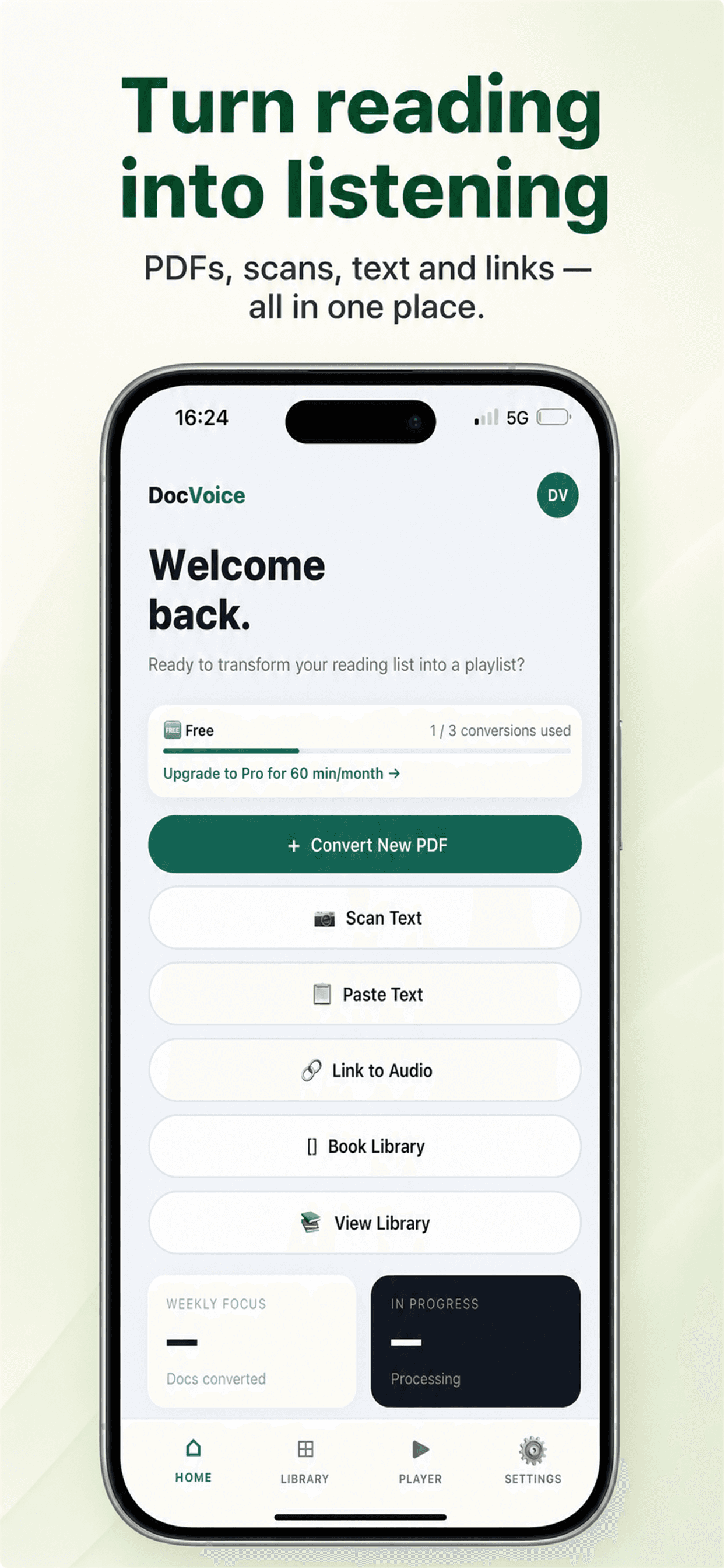
Upload a document, scan an image, paste a script, add a URL, import a video, or record directly.
Choose voice, language, speed, instructions, and background sound. Let AI structure and polish the source.
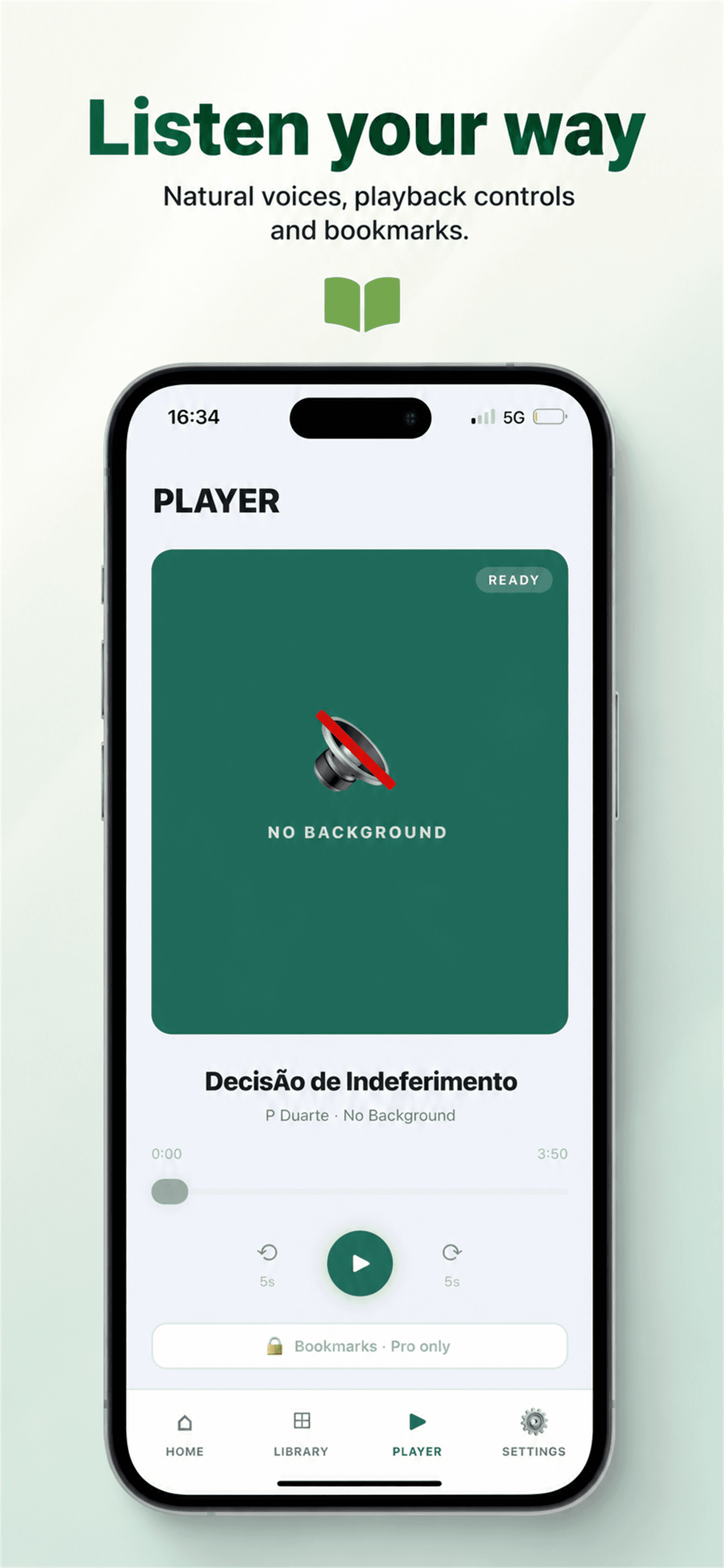
Review in the smart player, share with collaborators, download for offline use, or export a commercial package.
Work anywhere
Create, manage, and listen to every production from your phone, with projects, progress, bookmarks, and settings always close at hand.
Your next production starts here
Create natural audio for your audience, your clients, or your own time.